About PLC Trainer UI PLC 6D
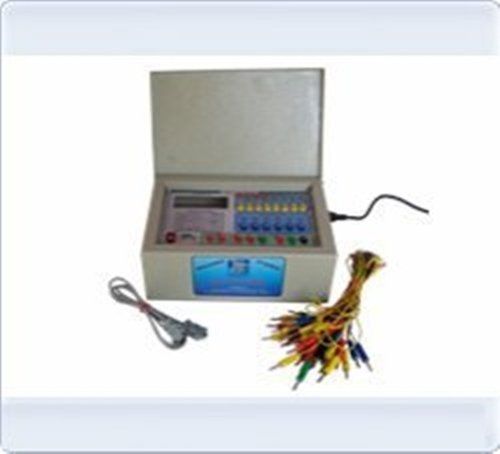
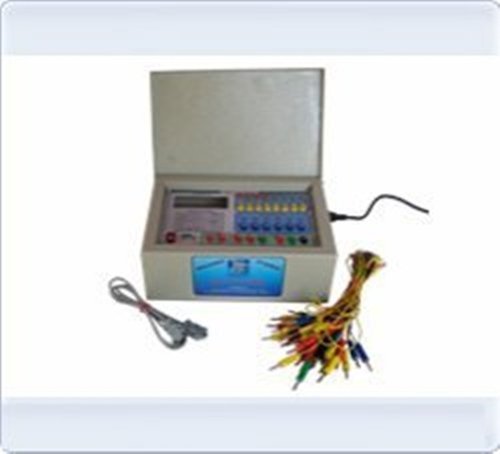
PLC Trainer UI PLC 6D
| Brand |
Micro Technologies |
| Power Supply |
230V +- 10% @ 50 Hz |
| PLC Make |
ABB, Siemens, Delta or Equivalent. |
| Digital Input / Output |
20 DI-24V , 16 DO-24V |
| Inbuilt Power Supply |
24V @ 1A, +15V-0-15V @ 500mA |
| I / O Simulation |
10 No Push button, 10 No toggle switch 16 No. LED. |
| I / O Termination |
4mm banana socket. |
| PC Interface |
RS 232 Serial Port with cable. |
| Enclosure |
Powder Coated Metal Box 300(W) X 250 D X150 H
|
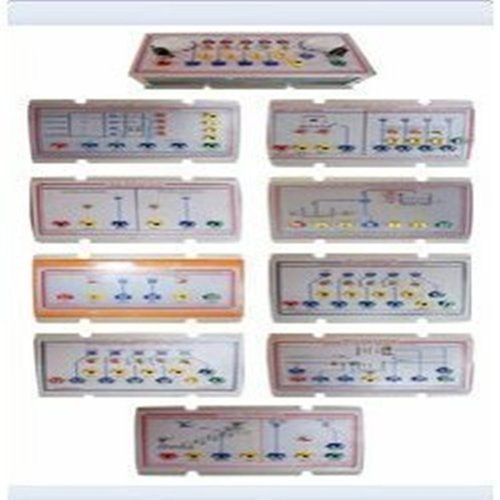
Dedicated Educational DesignThe PLC Trainer UI PLC 6D is purpose-built for academic use, making it an ideal choice for classroom and laboratory automation training. Its process mimic layout and demonstration panel allow students to visualize and interact with real-world control scenarios safely and effectively.
Comprehensive Simulation ModulesIntegrated lamp, fan, and motor simulation modules let users experiment with various automation processes. The user-friendly patch cord system alongside clear input/output indicators enhances hands-on learning while promoting conceptual clarity in PLC programming.
Robust Safety and Build QualitySafety features such as overvoltage and short circuit protection, together with opto-isolated input/output circuits, ensure secure operation. Constructed in a powder-coated MS cabinet, the trainer excels in durability, making it suited for frequent lab use.
FAQ's of PLC Trainer UI PLC 6D:
Q: How is the PLC Trainer UI PLC 6D used in educational laboratories?
A: The PLC Trainer UI PLC 6D is employed in academic settings to teach PLC programming fundamentals and automation concepts. Students interact with simulation modules and practice wiring and programming using ladder logic and function block diagrams, deepening their understanding of real-life automation systems.
Q: What processes can be demonstrated using the simulation modules?
A: The training unit features simulation modules for lamp, fan, and motor operations. These allow users to reproduce and test control strategies commonly found in industrial automation, providing experience with typical analog scenarios on a safe, tabletop setup.
Q: When is onsite installation and support available for this trainer?
A: Onsite installation and support are available at the time of purchase and can be scheduled as needed. The manufacturer or distributor provides this service to ensure the trainer is properly set up and functional for lab activities.
Q: Where is the PLC Trainer UI PLC 6D commonly installed?
A: This equipment is designed for placement on laboratory tables within academic institutions, including technical colleges, engineering departments, and vocational training centers. Its tabletop, compact build facilitates seamless integration into existing lab setups.
Q: What benefits do the safety features provide during trainer operation?
A: The trainer's overvoltage and short circuit protection safeguards users and equipment from electrical hazards. Opto-isolated input/output circuits add a further layer of protection, establishing a safe learning environment for students during practical exercises.
Q: How is programming conducted with this trainer, and what support is included?
A: Programming tasks are carried out using ladder logic or function block diagrams, which are supported by the control software and a detailed experiment manual. The USB and RS232 communication ports enable easy integration with PCs for program uploading and monitoring.
Q: What is the advantage of the process mimic layout on the demonstration panel?
A: The process mimic layout provides a visual representation of automation processes, allowing users to observe system responses to input changes and control logic in real time. This visual feedback aids in comprehension and troubleshooting during training exercises.






 Send Inquiry


 Send Inquiry


 English
 Spanish
 French
 German
 Italian
 Chinese (Simplified)
 Japanese
 Korean
 Arabic
 Portuguese