About PLC Trainer UI PLC 5DA
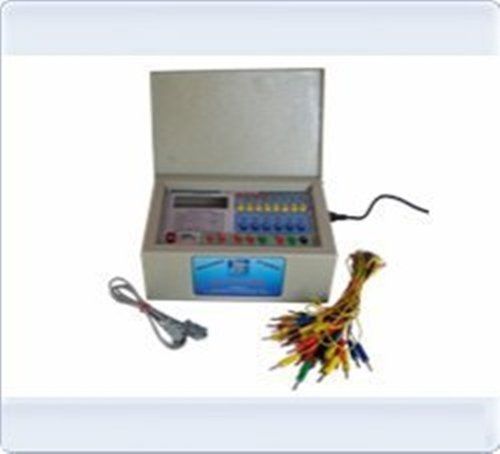
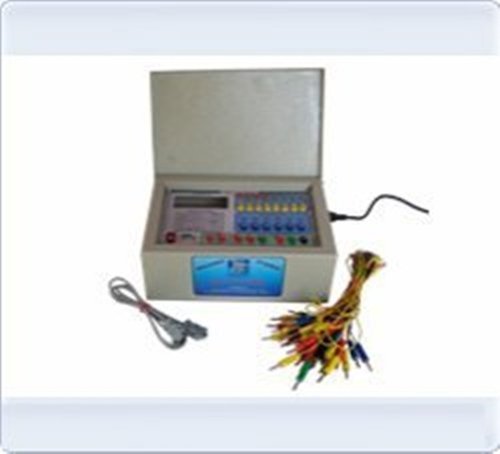
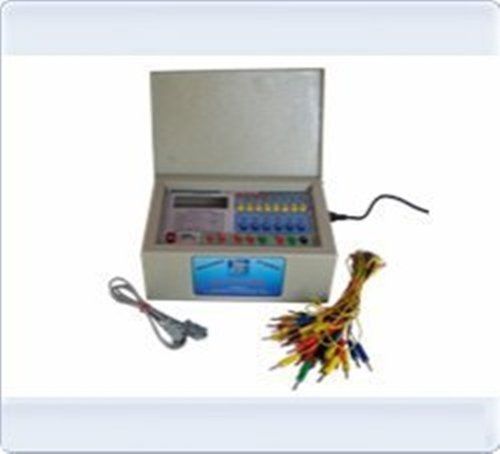
PLC Trainer UI PLC 5DA
| Usage/Application |
Laboratory |
| Brand |
Micro Technologies |
| Power Supply |
230V +-10% @ 50 Hz |
| PLC Make |
ABB, Siemens, Delta or Equivalent. |
| Digital I / O |
12 DI-24 V , 10 DO-24 V |
| Analog I / O |
4 Analog Input 4-20mA, 0to 10V, 2 Analog O/P 4-20mA, 0to 10V |
| Inbuilt Power Supply |
2 4V @ 1A, +15V-0-15V @ 500mA |
| I / O Simulation |
4 No Push button, 4 No. toggle switch 6 No.LED |
| I / O Termination |
4 mm banana sockets.22 nos |
| PC Interface |
Rs 232 serial port with cable. |
| Enclosure (mm) |
Powder coated metal box 450(W) X 400(D) X 150(H) |
Comprehensive Training PlatformThe UI PLC 5DA PLC Trainer is equipped to simulate real-world automation processes, making it ideal for educational institutions and industrial training centers. With its versatile input and output types, interactive simulator switches, and fault simulation capabilities, users gain practical, hands-on experience in PLC programming and troubleshooting.
Robust Safety and ProtectionDesigned with safety as a priority, the trainer features over-voltage and short-circuit protection, a fused power input, and a shock-proof enclosure. Safe wiring terminals and an inbuilt power supply further enhance operational safety, making it suitable for all user levels.
Flexible Control and ConnectivityUsers can easily switch between manual and automatic control modes, thanks to the PC interface using RS232 or USB communication. The trainer supports fast response times and is compatible with both LED and LCD indicators for clear and immediate feedback during experiments.
FAQ's of PLC Trainer UI PLC 5DA:
Q: How does the UI PLC 5DA enhance PLC programming skills?
A: The UI PLC 5DA provides hands-on experience with ten digital/analog inputs, ten output indicators, and simulation switches, allowing users to learn real-world PLC programming, testing, and troubleshooting in a safe and controlled environment.
Q: What types of inputs and outputs does the trainer support?
A: This trainer supports both digital and analog input/output signals, enabling learners to experiment with a variety of automation scenarios crucial for industrial and laboratory settings.
Q: When is the best time to use the PLC trainer for training?
A: The PLC trainer can be used during scheduled laboratory exercises, industrial training sessions, or self-paced learning modules, making it a versatile tool for institutions and individuals aiming to build automation expertise.
Q: Where can the UI PLC 5DA PLC Trainer be utilized?
A: It is suitable for educational institutions, technical training centers, research laboratories, and industrial training facilities across India and internationally, thanks to its robust build and export-ready specifications.
Q: What safety features does the trainer offer?
A: The trainer incorporates over-voltage and short-circuit protection, a fused input, safe wiring terminals, and a shock-proof, powder-coated MS cabinet to ensure maximum user protection during operation.
Q: How can users interface with a PC for automatic control?
A: Users can connect the trainer to a PC via RS232 or USB interface, enabling automation, advanced programming, and real-time monitoring through supported software.
Q: What are the benefits of using the provided educational content?
A: The user manual and experiment booklet offer step-by-step instructions and guided experiments, helping users understand PLC fundamentals, develop programming proficiency, and safely conduct a range of automation tests.






 Send Inquiry


 Send Inquiry


 English
 Spanish
 French
 German
 Italian
 Chinese (Simplified)
 Japanese
 Korean
 Arabic
 Portuguese